The Complete Backup & Restore Guide for Easymony
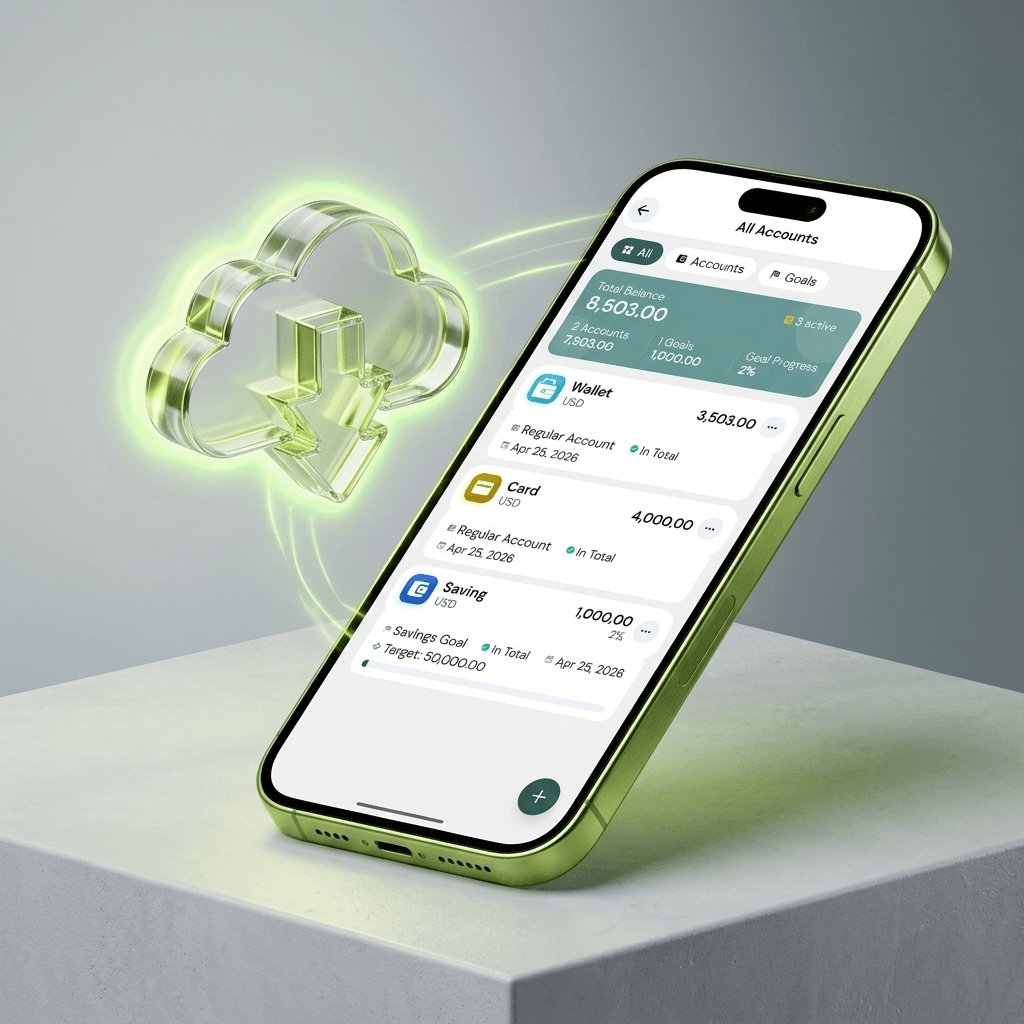
귀하의 재무 기록은 귀하가 잃고 싶지 않은 종류의 데이터입니다. 월 또는 연 단위의 거래, 카테고리, 예산 및 설정. 휴대폰이 분실되고, 앱이 삭제되고, 기기에 오류가 발생하고 모든 것이 사라졌습니다. 그런 이유로 Easymony는 앱에 백업을 구축합니다.
Easymony는 데이터를 로컬에 저장하므로 백업에 대한 책임은 귀하에게 있습니다
데이터를 어딘가에 조용히 동기화하는 클라우드 앱은 없습니다. 당신이 그것을 제어한다는 것은 당신이 그것을 백업해야 한다는 것을 의미합니다. 좋은 소식은 내보내는 데 약 2초가 걸린다는 것입니다.
Go to Settings > Backup & Restore > Export Backup
Easymony generates a ZIP file with your full SQLite database — every transaction, category, account, budget, and setting. The file never touches our servers. You decide where it goes.
Save it to Google Drive
Email it to yourself. Copy it to a USB drive. Send it over WhatsApp. Put it on a second device. Keep at least two copies in different places. One on cloud storage, one on a physical drive at home. If one fails, the other is still there.
To restore, go to Settings > Backup & Restore > Import Backup and pick your ZIP file
Easymony replaces the current database with the backup and restarts. Everything goes back to how it was when you exported. Restoring overwrites your current data, so back up first if you have new transactions since the last export.
Premium users get automatic Google Drive sync
Enable it once, and Easymony uploads an encrypted backup every time you make a significant change. Lose your phone? Install Easymony on the new one, sign into Google Drive, and your history is back. The backup encrypts before it leaves your device, so Google cannot read it either.
Free users: export a manual backup at the end of each month
Set a recurring reminder in Easymony to prompt you. Premium users: enable auto-sync and do a manual export once per quarter as a safety net.
Switching phones? Export a backup on the old phone, transfer the ZIP to the new one (Google Drive, email, USB), install Easymony, and import
Works across iOS and Android. No data lost.
Treat your backup files like bank statements
Do not store them in public folders or send them to people you do not trust. If you use Google Drive sync, the backup is encrypted. For manual backups, password-protect the ZIP if your file manager supports it.
App updates do not touch your local database
Your data stays after an update. But it is good practice to back up before any update, on any app that stores important data.
The backup ZIP contains a standard SQLite database
You can open it with any SQLite viewer if you want to migrate data elsewhere or share it with an accountant. Your data is not locked into a proprietary format.
Exporting a backup takes two seconds
Monthly or quarterly, depending on how much data you want to protect. Pick a schedule and set a reminder.