The Complete Backup & Restore Guide for Easymony
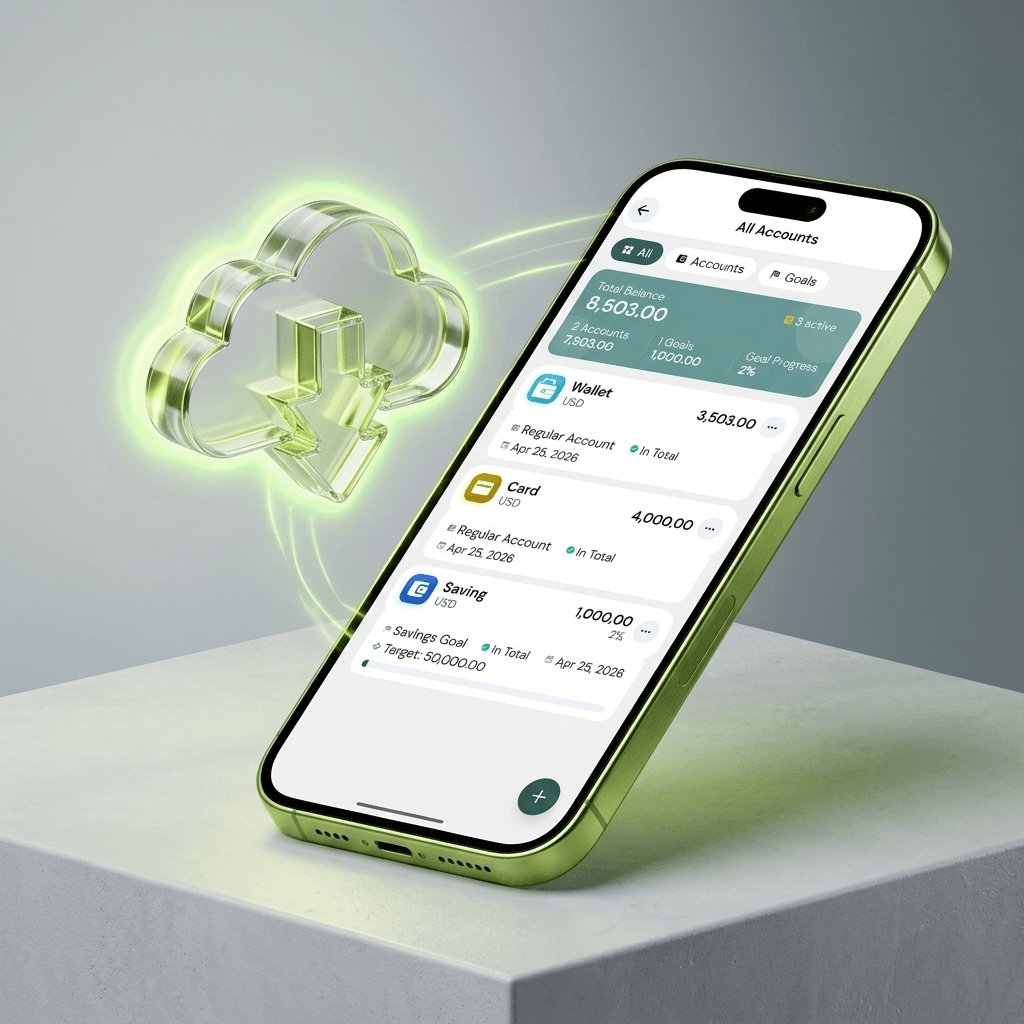
Your financial history is the kind of data you do not want to lose. Months or years of transactions, categories, budgets, and settings. Phone gets lost, app gets deleted, device fails — and it is all gone. Easymony builds backup into the app for that reason.
Because Easymony stores data locally, you are responsible for your own backups
No cloud app quietly syncing your data somewhere. You control it, which means you need to back it up. The good news: exporting takes about two seconds.
Go to Settings > Backup & Restore > Export Backup
Easymony generates a ZIP file with your full SQLite database — every transaction, category, account, budget, and setting. The file never touches our servers. You decide where it goes.
Save it to Google Drive
Email it to yourself. Copy it to a USB drive. Send it over WhatsApp. Put it on a second device. Keep at least two copies in different places. One on cloud storage, one on a physical drive at home. If one fails, the other is still there.
To restore, go to Settings > Backup & Restore > Import Backup and pick your ZIP file
Easymony replaces the current database with the backup and restarts. Everything goes back to how it was when you exported. Restoring overwrites your current data, so back up first if you have new transactions since the last export.
Premium users get automatic Google Drive sync
Enable it once, and Easymony uploads an encrypted backup every time you make a significant change. Lose your phone? Install Easymony on the new one, sign into Google Drive, and your history is back. The backup encrypts before it leaves your device, so Google cannot read it either.
Free users: export a manual backup at the end of each month
Set a recurring reminder in Easymony to prompt you. Premium users: enable auto-sync and do a manual export once per quarter as a safety net.
Switching phones? Export a backup on the old phone, transfer the ZIP to the new one (Google Drive, email, USB), install Easymony, and import
Works across iOS and Android. No data lost.
Treat your backup files like bank statements
Do not store them in public folders or send them to people you do not trust. If you use Google Drive sync, the backup is encrypted. For manual backups, password-protect the ZIP if your file manager supports it.
App updates do not touch your local database
Your data stays after an update. But it is good practice to back up before any update, on any app that stores important data.
The backup ZIP contains a standard SQLite database
You can open it with any SQLite viewer if you want to migrate data elsewhere or share it with an accountant. Your data is not locked into a proprietary format.
Exporting a backup takes two seconds
Monthly or quarterly, depending on how much data you want to protect. Pick a schedule and set a reminder.
Related Articles
Why Offline-First Apps Are the Future of Personal Finance
We walk through why Easymony uses an offline-first database. No cloud sync means the app is fast and your financial data stays on your device.
Mastering PDF Reports for Better Budgeting
A transaction history PDF is useful. But you can also use it to spot spending patterns you would miss scrolling through individual entries.