Mastering PDF Reports for Better Budgeting
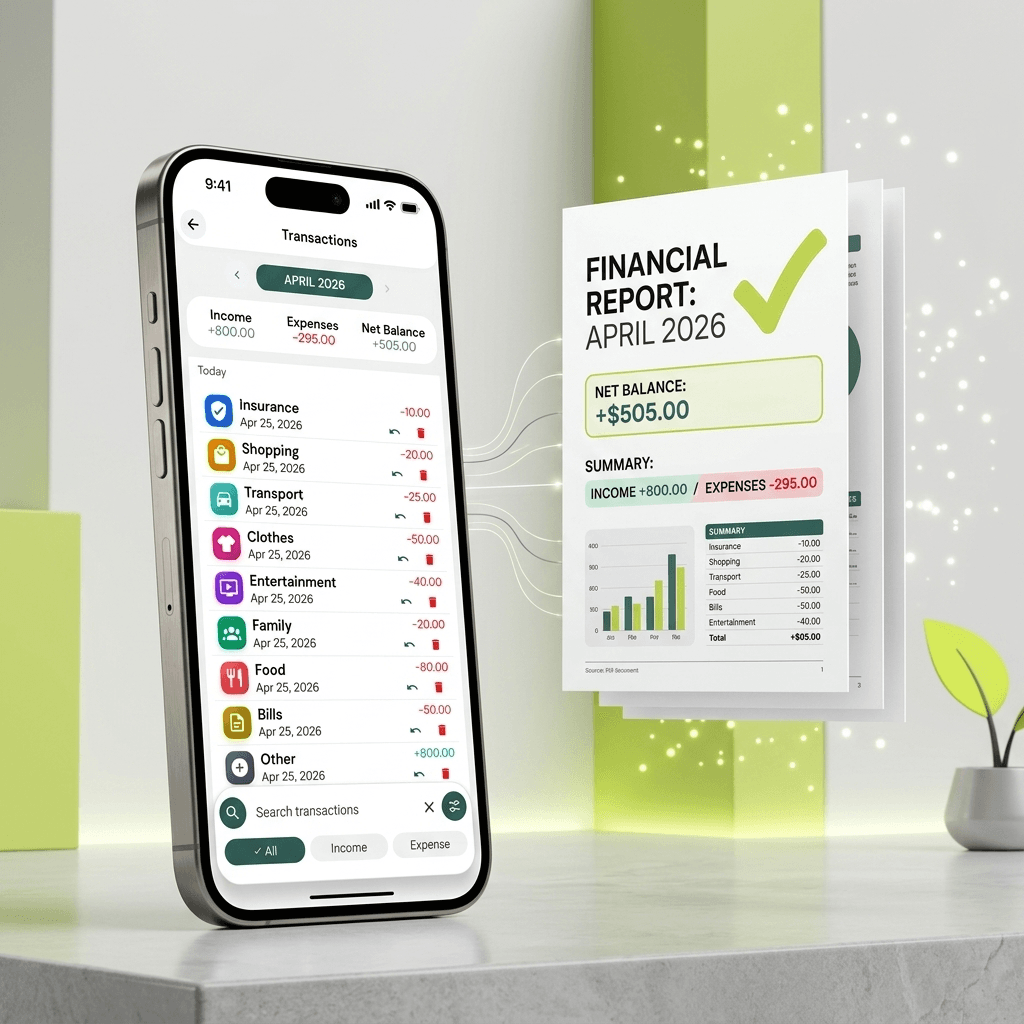
Easymony can generate a formatted PDF of your transactions, filtered by date, category, or account. Most people use this to share reports with an accountant or family member. That works fine. But there is a better use: reviewing your own spending at the end of each month.
If you are a freelancer tracking business expenses, a clean PDF is more professional than a screenshot
If you share finances with a partner, a monthly PDF gives you both a printable record. The real value, though, is in what the report shows you about your habits.
Generate a full PDF at the end of the month and go through it category by category
Look for the numbers that surprise you. Expected $400 on groceries and spent $410? That is fine. Expected $200 and spent $400? Worth a look. Check transaction frequency within each category. Lots of small transactions in one category usually means a habit you are not fully aware of. Spot any entries you do not recognize — those catch duplicate charges and forgotten subscriptions.
Set a recurring reminder in Easymony to generate your report on the last day of each month
After three months, seasonal patterns start appearing — higher utilities in winter, more entertainment spending in summer. After six months, you can set budgets based on what you actually spend, not what you wish you spent. After a year, you have a complete record of where your money went.
PDF reports include your custom category names, transaction dates, notes, totals, and optional branding
The file generates on your device. No third-party service processes your data. That matters if you share expense reports with clients or accountants but want to keep control of the underlying data.
For freelancers, monthly PDFs work as preliminary tax documentation
They do not replace accounting software, but they give you organized records to hand over at tax time. Separate personal and business expenses from day one, and your end-of-year reports will save you hours of sorting through receipts.
You can filter reports by a single category or account
Export just your Business Expenses category. Or just your Credit Card account. This is useful for targeted analysis. Trying to reconcile a credit card statement? Export that account and compare line by line.
The report formatting is clean on purpose
Clear category groups, readable totals, color-coded to match the app. They look professional enough for an accountant and simple enough for anyone to read at a glance.
Future updates will add automatic budget-overrun highlights and month-over-month comparisons
Premium users will get those first. For now, the existing PDF export is enough to build a monthly review habit. That habit matters more than any single feature.
Related Articles
Why Offline-First Apps Are the Future of Personal Finance
We walk through why Easymony uses an offline-first database. No cloud sync means the app is fast and your financial data stays on your device.
How to Set Up Budget Categories That Actually Work
Preset labels like 'Food' lump groceries, dining out, and coffee into one bucket. Custom categories give you a clearer picture of where your money goes.